RIO Ready V4: Guest User Verification Link Functionality
Table of Contents
Overview
This functionality allows guest users (users without a community login) to identify themselves on a public Community Site through a verification link sent to their email, without needing a username or password.
The guest user enters their email address on the sign-in page. A Login Request record is created and a verification link is emailed to them. Once the link is clicked and the token is verified, the guest user is signed in and can view their Contact details. Tokens expire after a configurable number of minutes, and the number of requests a user can make per minute is limited.
Note that the package includes the Lightning Web Components, Apex classes, flows and trigger, along with a preconfigured "Guest Verification" page template. The Community Site still needs to be configured with pages where these components can be placed for users to access them.
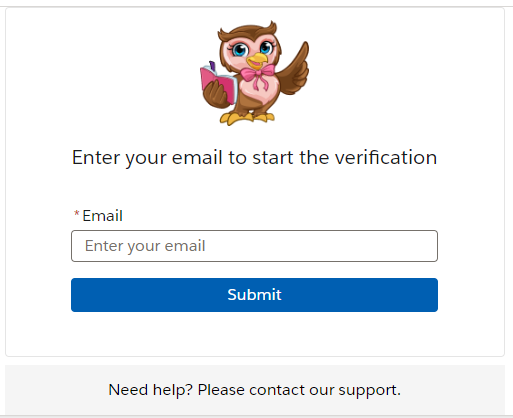
Sign-in and Verification Status (reduGuestTokenRequest)
- Login State
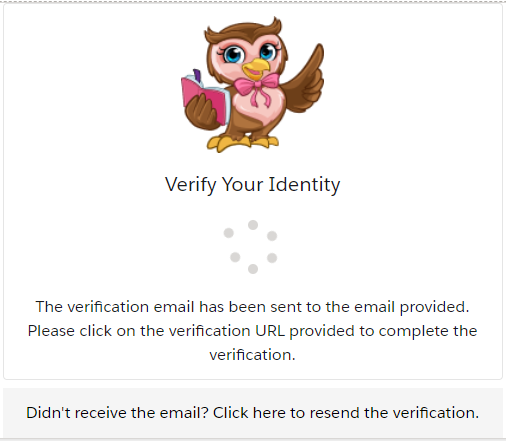
- Checking State
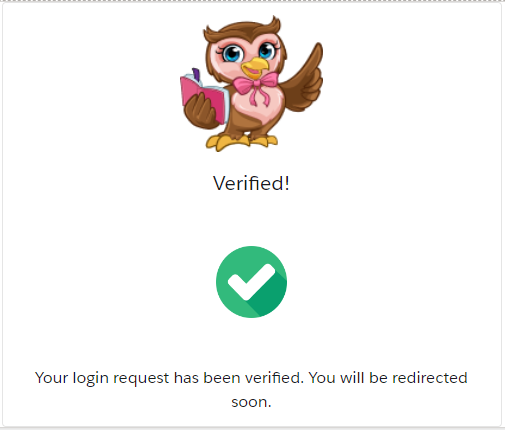
- Final State - Verified
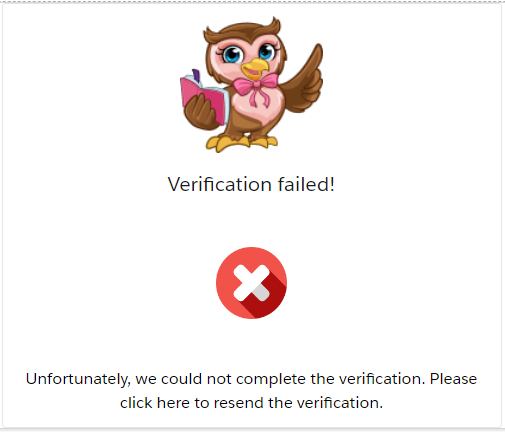
- Final State - Verification Failed
Email Verification Link (reduGuestTokenVerification)
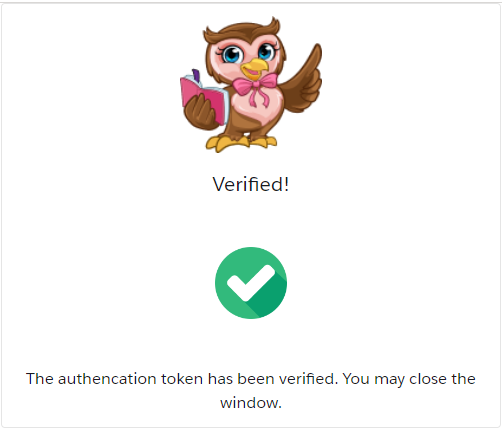
- Success State
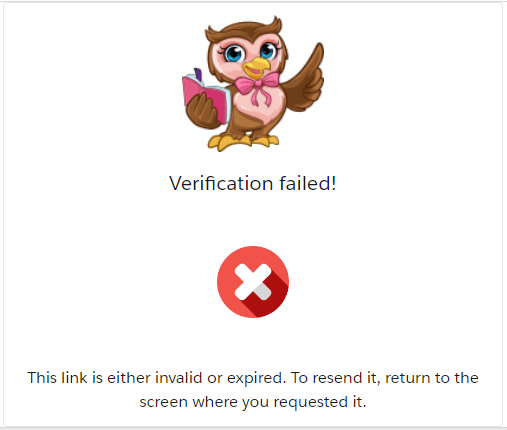
- Invalid or Expired State
Cookie Consent (reduGuestTokenCookieConsent)

Guest Profile (reduGuestDataRetrieve)

What's included:
Lightning Web Components:
- reduGuestTokenCookieConsent: informs users about the use of cookies on the website.
- reduGuestTokenRequest: allows users to submit their email address to request a login verification link, and shows the verification status.
- reduGuestTokenVerification: displays the result of the token verification when the user clicks the verification link sent to their email.
- reduGuestDataRetrieve: retrieves and displays the logged-in user's Contact details based on the cookie's value.
Community Page Template:
A preconfigured "Guest Verification" page template containing the reduGuestTokenVerification component.
Flows:
- REDU Send Login Link Flow: a record-triggered flow that sends the verification link email to the guest user when a Login Request linked to a Contact is created.
- REDU Delete Login Requests Older Than Two Days: a schedule-triggered flow that cleans up Login Request records older than two days. It is installed as inactive.
Apex Trigger:
Trigger_reduLoginRequest generates a UUID token and an encrypted token when a Login Request is created, and updates them in the record.
Apex Classes:
Controllers for the components and a shared utility class (redu_GuestAction_UTIL). If no Contact matches the submitted email, the utility class sends the verification email directly instead of the flow.
Permissions:
No permission set is included in the package. The site guest user must be granted the required permissions manually. Refer to the setup article for details.
To set this up, you can follow the steps here.